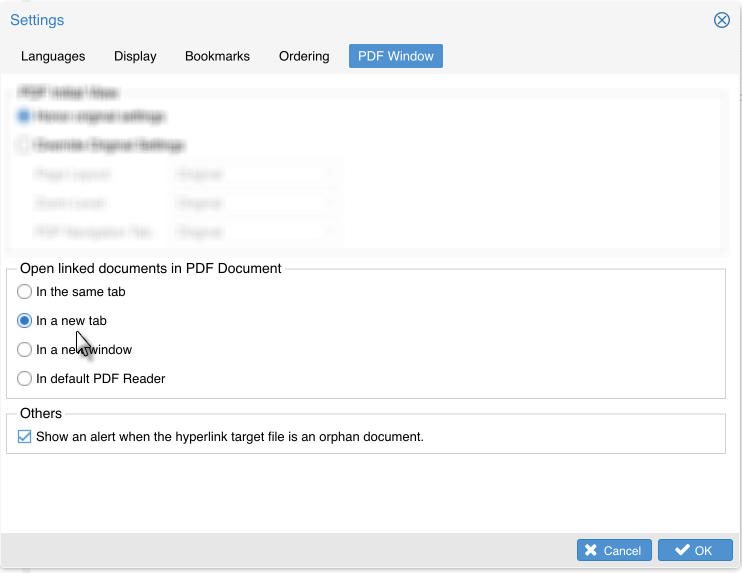
PDF Window Setting


PDF Window Setting
The PDF document or PDF Links displaying mode can be set via the PDF Window tab on Settings window.
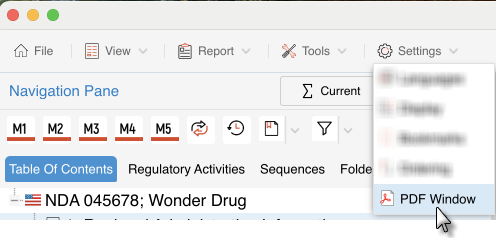
On eCTD View window, Select PDF Window from the menu Settings.
On the PDF Window tab to do the setting.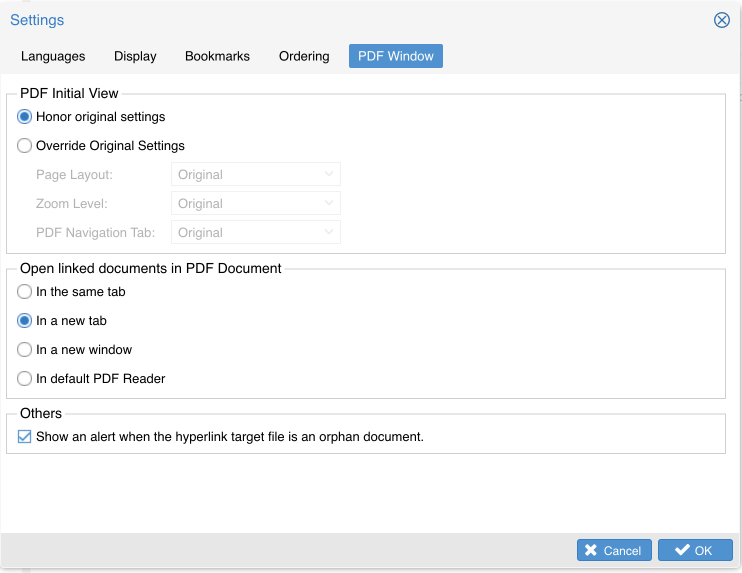
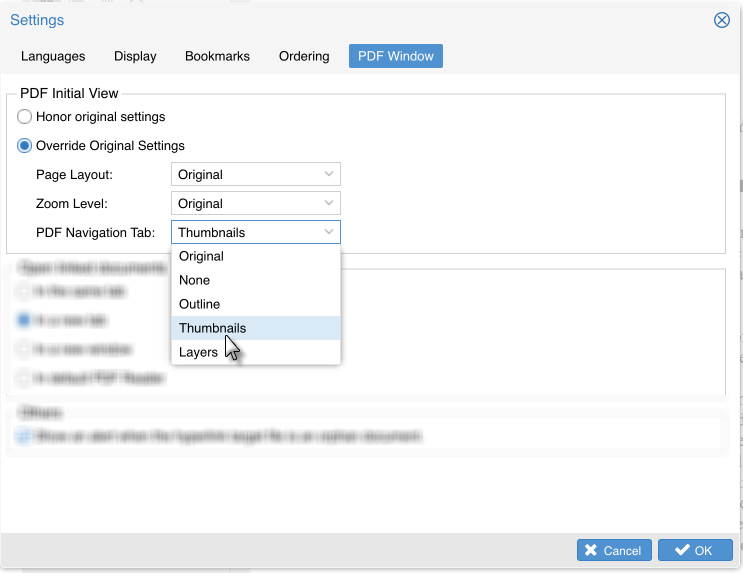
Under PDF Window tab, in the Open Linked documents in PDF document field, select the way you want to open the linked document, Click 'OK'.