View Cross-references


Cross-Reference Report provides a list of all the leaves that repeatly used the same one file.
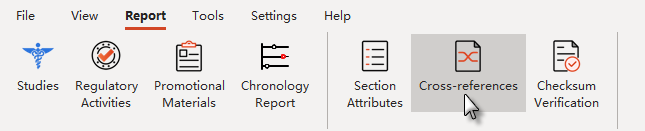
Select Cross-Reference from the Ribbon of Report to open the Cross-Reference Report window.
Or
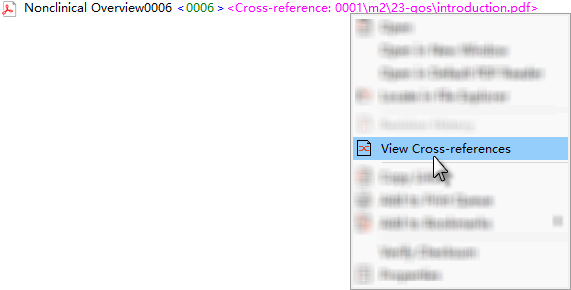
Select View Cross-references from the right-click men of the file which marked with Cross-reference information.
The following screen shot shows the Cross-Reference Report window:
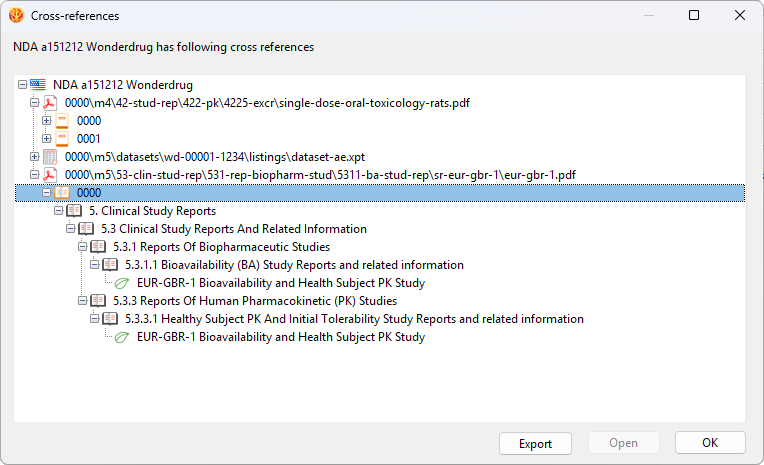
In the Cross-Reference Report window, click on Export to export Cross-Reference Report to your local drive or network drive.