Cleanup Cache


Cleanup Cache
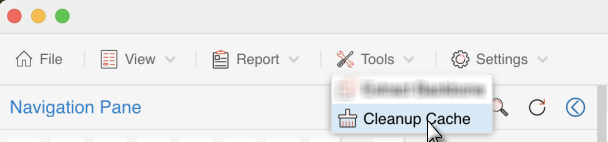
If user want to clear the Toc cache file, can select Cleanup Cache from the menu of Tools to open Cleanup Cache window.
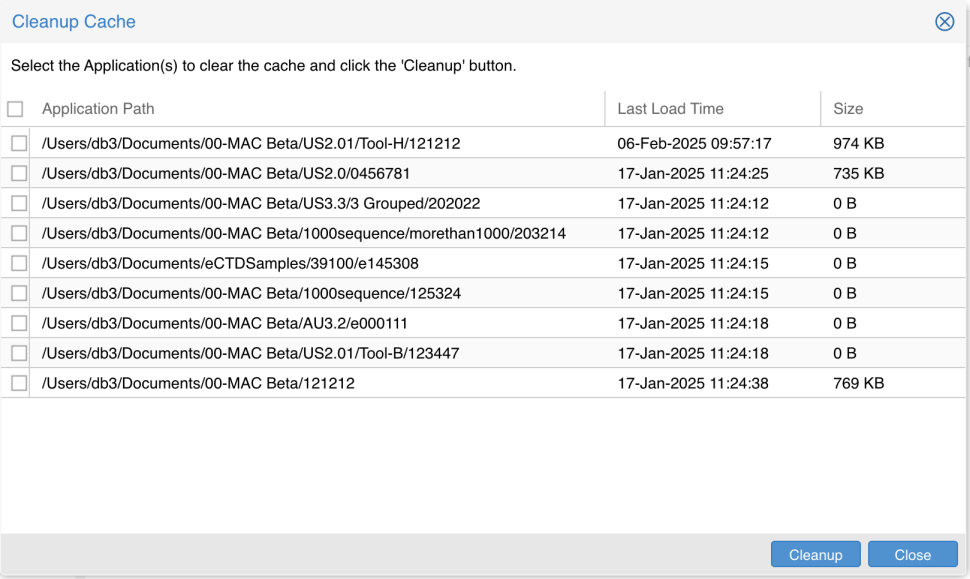
Check the checkbox before the TocC Cache of eCTD, click the Cleanup button, then the application selected size become 0 and Toc Cache is cleared.
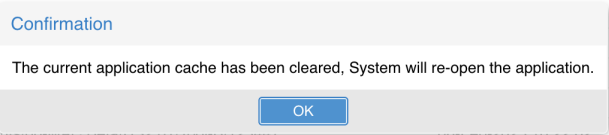
After Clear up Cache, Viewer needs to be restarted. Click the 'OK' on the popping up message to restart.