Extract Backbone


Extract Backbone
User can extract the backbone files of eCTD and save to local drive.
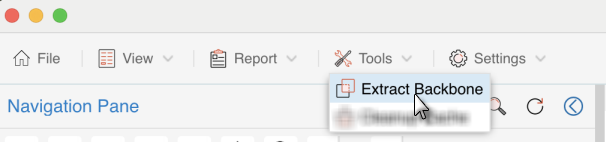
Open the eCTD in Viewer, Select Extract Backbone from the menu of Tools to open Select the directory to save the extracted backbone file Window.
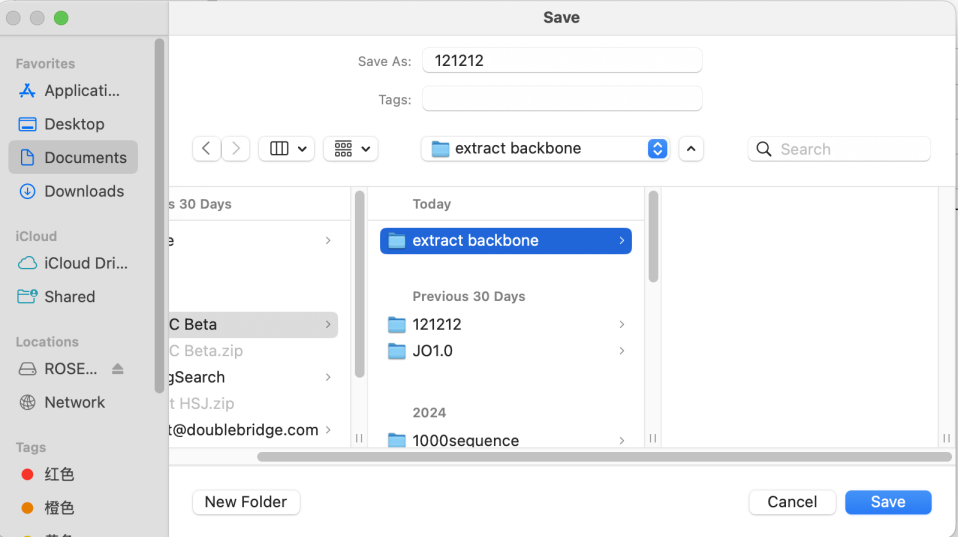
On the Select the directory to save the extracted backbone file Window, select the location to Save.
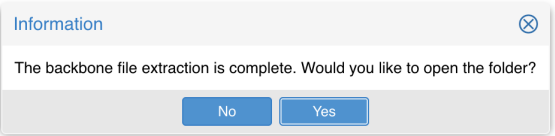
The backbone file extraction is completed, select 'Yes' can open the eCTD folder which ONLY contains backbone files.
Open the extracted backbone eCTD directly in Viewer by Open option.