Install ROSETTA eCTD Viewer on MAC


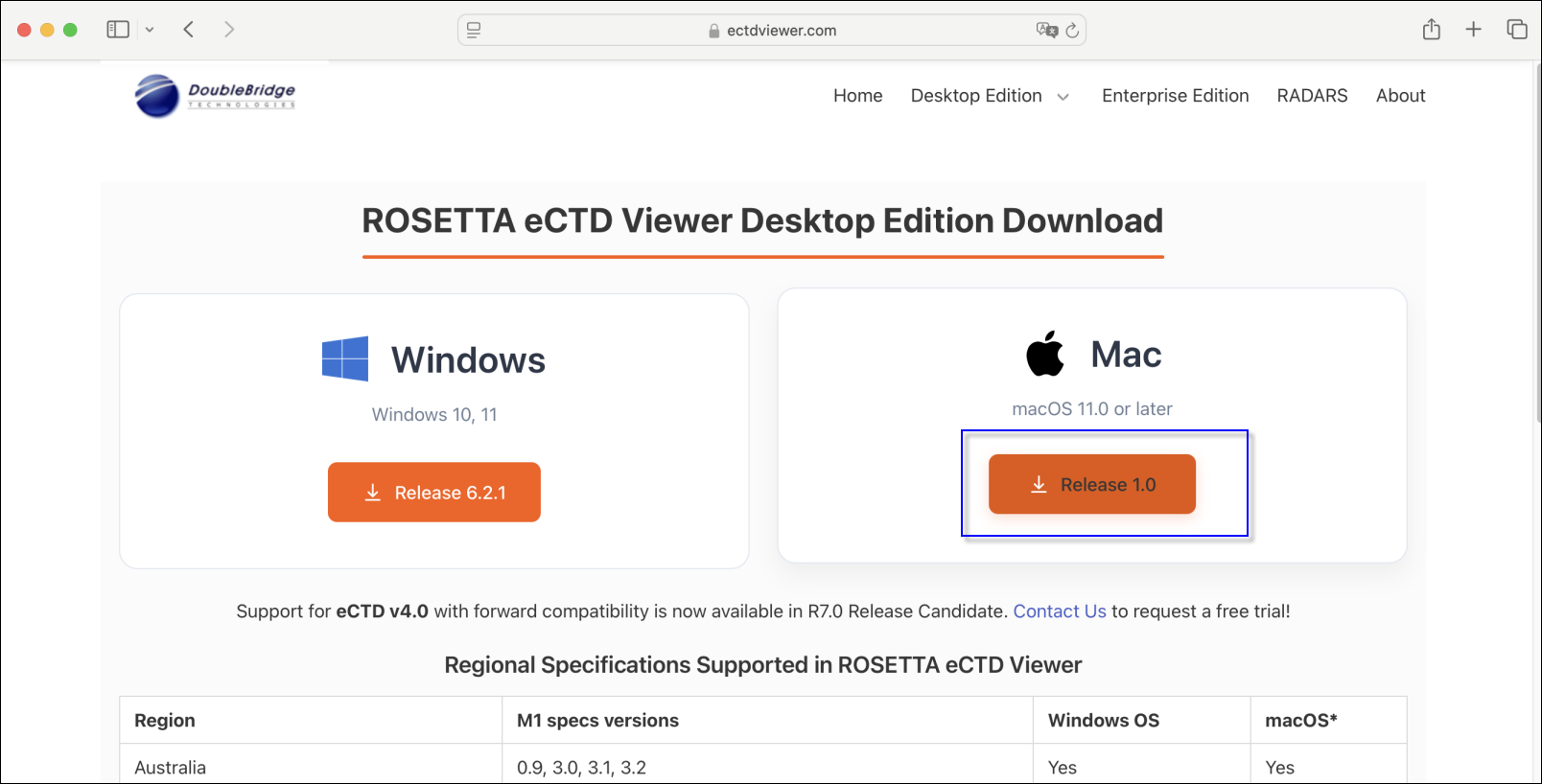
Step 1: Enter https://www.ectdviewer.com/download/ to access the Viewer Download Page. Click on "Release xxx" for Mac to download the installation package.
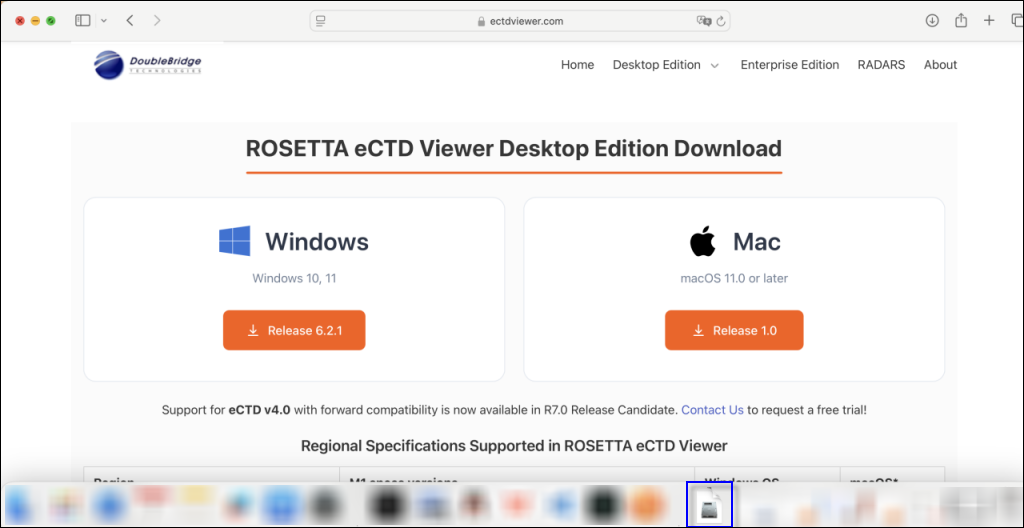
Step 2: Click on Download icon on MAC Dock to find the installation package after it is downloaded, then click on it.

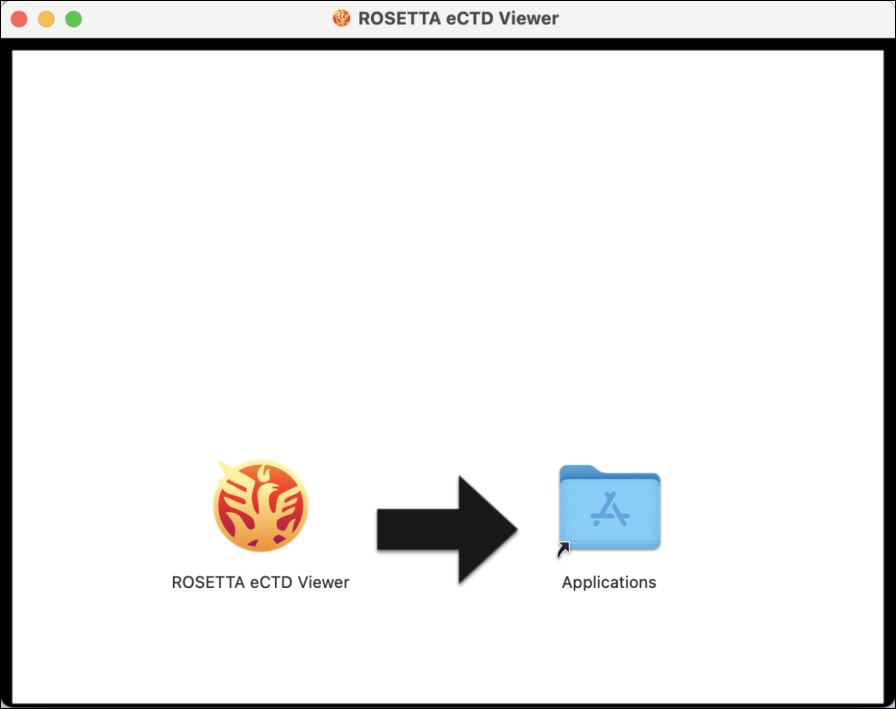
Step 3: Double Click the installation package, then drag the ROSETTA eCTD Viewer to Applications in pop up window to install the application.
---------------------------------------------------------------------------------------------------------------------
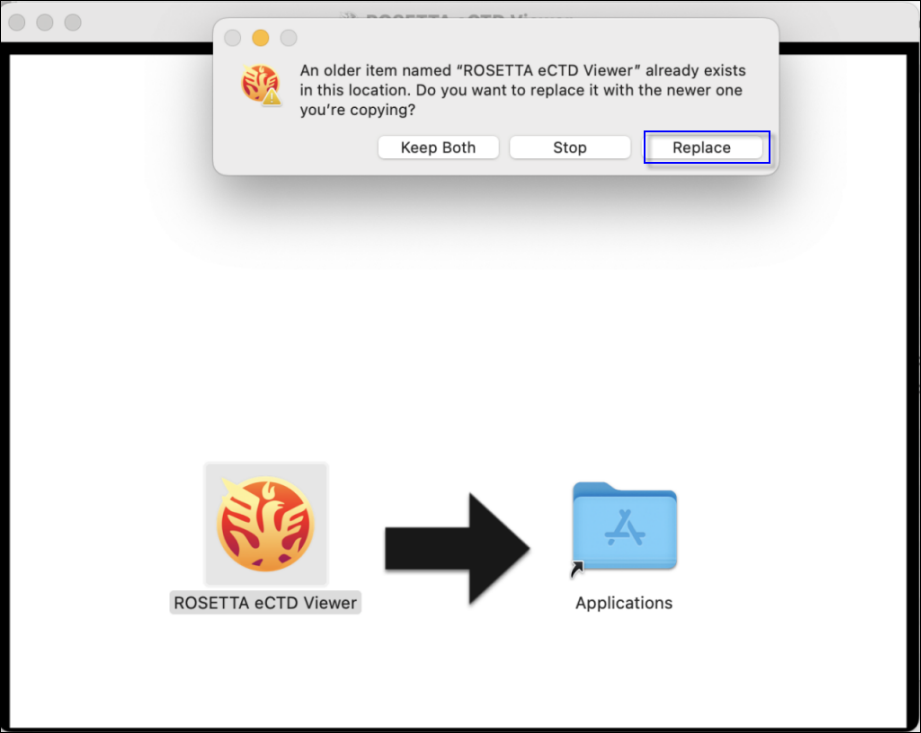
* If an older version of the Viewer is already installed, the following warning message will pop up when you drag ROSETTA eCTD Viewer to the Applications folder:
To upgrade to the latest version of Rosetta eCTD Viewer, click 'Replace'.
If this is your first time installing ROSETTA eCTD Viewer, please disregard this section.
---------------------------------------------------------------------------------------------------------------------
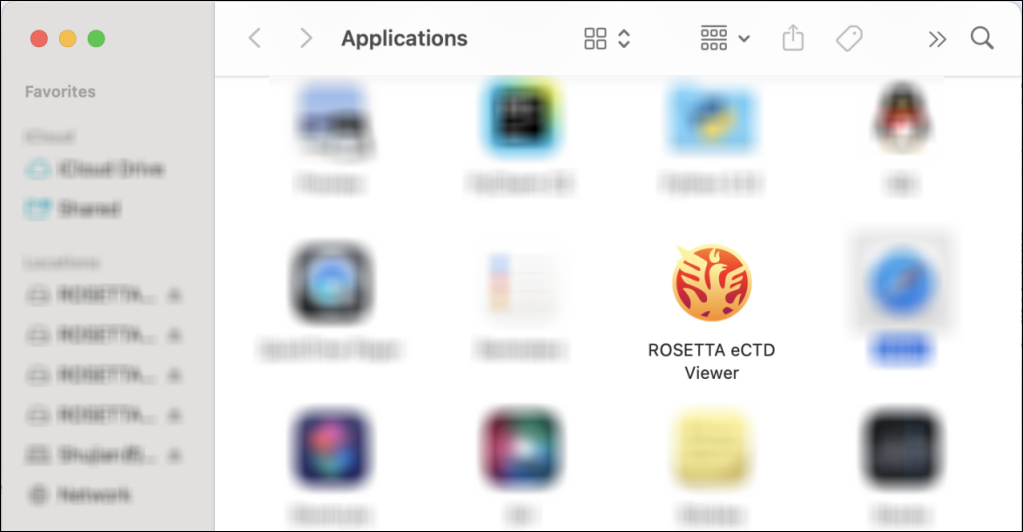
Step 4: After drag the ROSETTA eCTD Viewer to Applications, Go to Applications to find ROSETTA eCTD Viewer and double click on this application to open it.
When ROSETTA eCTD Viewer is opened for the first time, the Activation page is displayed by default, with the Online Activation tab selected.
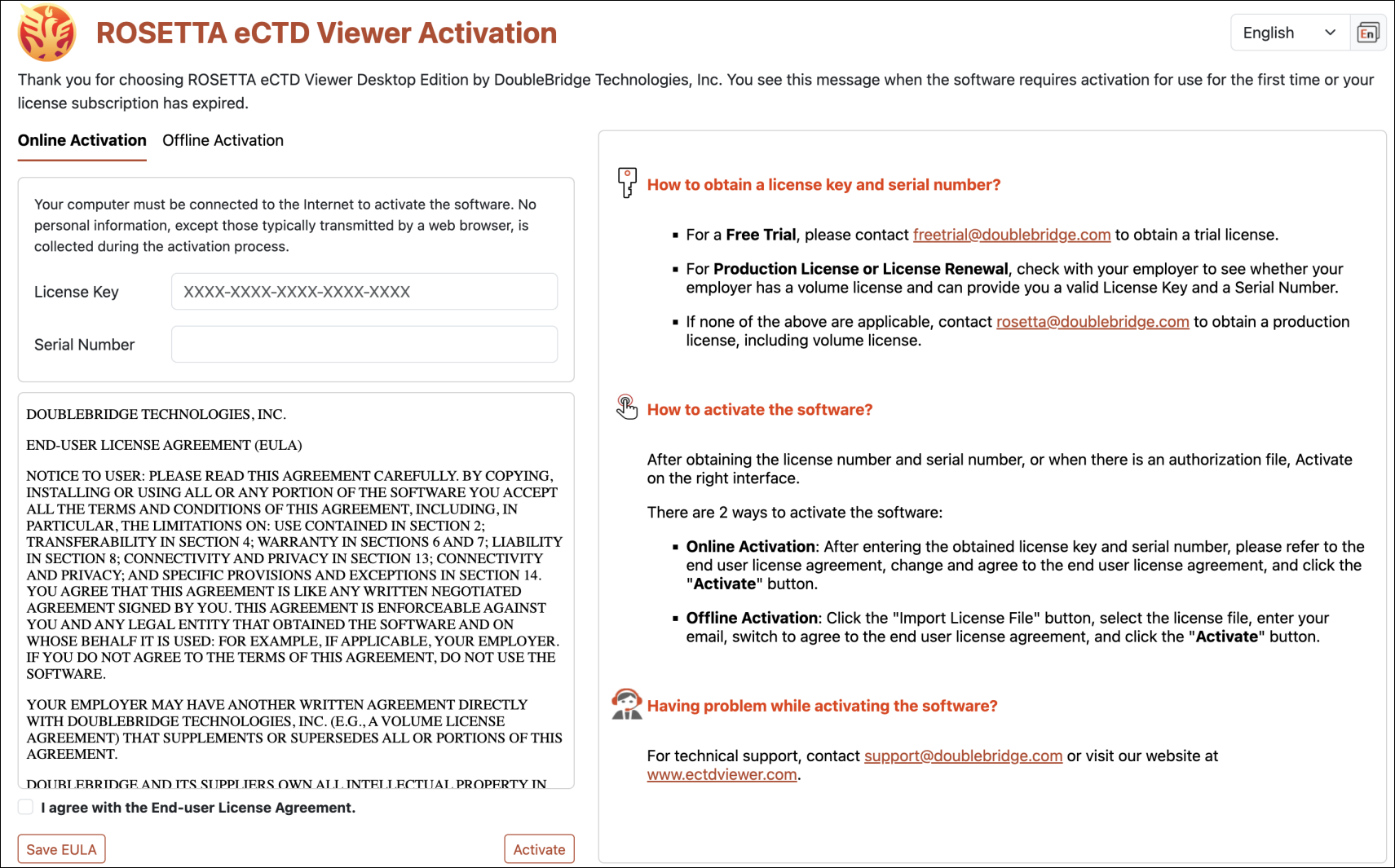
More >> Activate ROSETTA eCTD Viewer